Anyone with an Amibe Account login can change their account profile details at any time.
The information that can be changed includes:
- First and last names
- Email address
- Password
- Preferred language (for using the Admin Dashboard – let us know if any preferred language is not available)
Anyone who has ordered a subscription package will also be able to change address details.
Usernames cannot be changed – use either the username or email address to log in.
How to do it
There are two ways to access the account profile to edit this information:
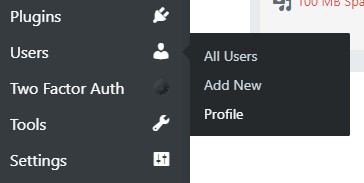
- On any Amibe site where the account has access to the Admin Dashboard, navigate to Users > Profile
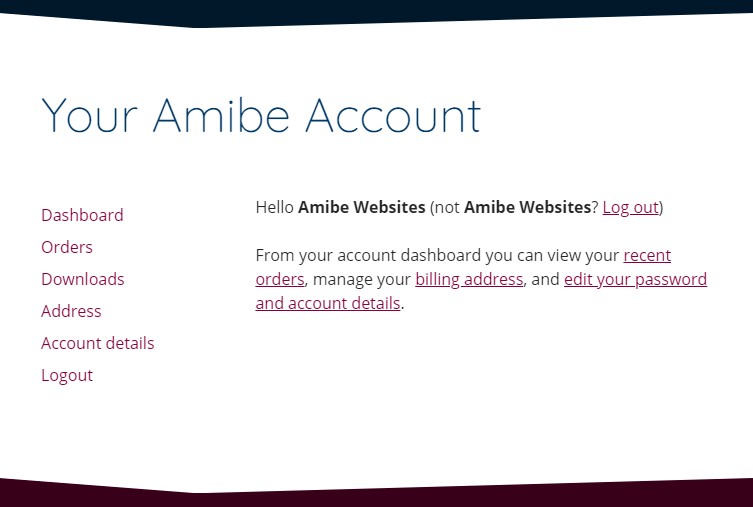
- Alternatively, visit Your Amibe Account.